
Web Design & Development
A website can look finished and still not work.
It has to load quickly, make sense within seconds, give someone a reason to trust you, point at one obvious next step — and then actually work when they take it. A site can be attractive and still lose people at any one of those points.
Where sites lose people
Websites don’t fail all at once. They fail at one step.
Between arriving and taking action, a visitor passes six checkpoints. Traffic gets lost at whichever one is broken, and the rest of the site can be perfectly good. Knowing which step is failing is most of the work — it’s also what decides whether you need a fix or a new site.
-
01
Can people find it at all?
Page structure, headings, indexable content, and a sitemap that reflects how the business is actually organised.
When this failsYou’re invisible for searches you should win. Usually a structural problem before it’s a content one — the ground SEO has to build on.
-
02
Does it load and behave properly?
Speed on a real phone on real data, layout that doesn’t jump, and pages that work without a desktop browser.
When this failsPeople leave before seeing anything. It also raises what you pay per click, because ad platforms price landing-page experience into paid advertising.
-
03
Do they understand what you do?
What you sell, who it’s for, and where you do it — visible without scrolling or interpretation.
When this failsVisitors bounce back to search results and pick whoever explained it faster. No amount of traffic fixes a clarity problem.
-
04
Is there a reason to believe you?
Credentials, service areas, real photography where it exists, reviews, and the signals that separate a real operation from a placeholder.
When this failsThey understand the offer and still don’t act. Trust signals also carry weight in local search, where nearby competitors are one tap away.
-
05
Is the next step obvious?
One clear action per page, phone numbers that dial, and forms that ask for what’s needed rather than everything imaginable.
When this failsInterested people leave without converting. This is frequently the constraint behind disappointing lead generation results.
-
06
Does the action actually work?
The form reaches a person, the booking lands on a calendar, the payment clears, the tracking records it. Everything the site connects to.
When this failsThe most expensive failure, because it’s silent. Broken forms and unrecorded conversions look identical to no demand — and on an online store, checkout friction is lost revenue you never see.
A site can pass five of these and still underperform badly because of the sixth.
That’s why the first question we ask isn’t what the site should look like — it’s where it’s currently losing people.The decision
Not every underperforming website needs replacing.
Plenty of sites are one or two problems away from working properly. Others are held back by the platform itself, and no amount of patching changes that. Which side you’re on depends less on how many things are wrong than on how deep they go.
Often the better call
Improving what you have
- The underlying platform is still sound
- The site remains reasonably maintainable
- The problems are localised rather than everywhere
- What you need can be added without piling up technical debt
- Performance and usability issues can be corrected sensibly
- The cost and complexity of repair stay reasonable
Often the better call
Starting over
- The platform itself is limiting the business
- The information architecture is fundamentally wrong
- What you need can’t be added reliably
- Mobile, speed or usability problems are deeply embedded
- The site is genuinely difficult to maintain or update
- Repair cost and complexity approach or exceed replacement
And sometimes it genuinely depends. A site can be fixable in principle and still not be worth fixing, if the work adds up to most of a rebuild without any of the benefit. That’s a judgment call about your specific site, not something a checklist settles.
What we won’t do is tell you the site needs replacing because replacing it is the larger project. If improving what you have is the better answer, that’s the answer you’ll get.
What we build
Two paths, both priced up front.
Both include the design, the build, and the launch. The difference is how far the design goes and what the site needs to do. Extra pages and added functionality are quoted separately rather than folded into a number that stops meaning anything.
Most small businesses
Launch
A polished five-page site built on a professional design foundation, fitted to your brand.
- Five-page website, fitted to your brand
- Industry-specific design foundation
- Your content added and formatted
- Mobile-responsive on every device
- SEO-ready structure from day one
- Contact form and accessibility menu
- Two rounds of revisions
- Quality audit and migration handled
You supply the written content. Copywriting is available as an add-on. Extra pages and added features are quoted separately.
Talk through your project
Growth
A fully custom design built around your brand, plus online stores and platforms beyond WordPress.
- Custom design built from your direction
- Online stores (WooCommerce, Shopify)
- Custom integrations and plugins
- Your content added and formatted
- Page speed optimization
- Migration, backups, quality audit
- Three hours of revisions
- 30 days of post-launch fixes at no charge
You supply the written content, or add copywriting. Final price confirmed after a short scoping conversation.
Talk through your projectCare Plan
Optional on either build, and not included automatically. Your site stays updated, backed up and monitored, with an hour of changes included each month.
- WordPress updates
- Backups
- Security and malware monitoring
- Monthly report
- One hour of revisions
Can be added at launch or any time after. You can also drop it later — the site stays yours either way.
Design foundations
The starting point is shared. The finished site isn’t.
Launch builds start from a professional design foundation rather than a blank page, which is what makes the timeline and the price possible. Every one is fitted to your brand, colours and content. Growth builds skip this entirely and start from your direction.
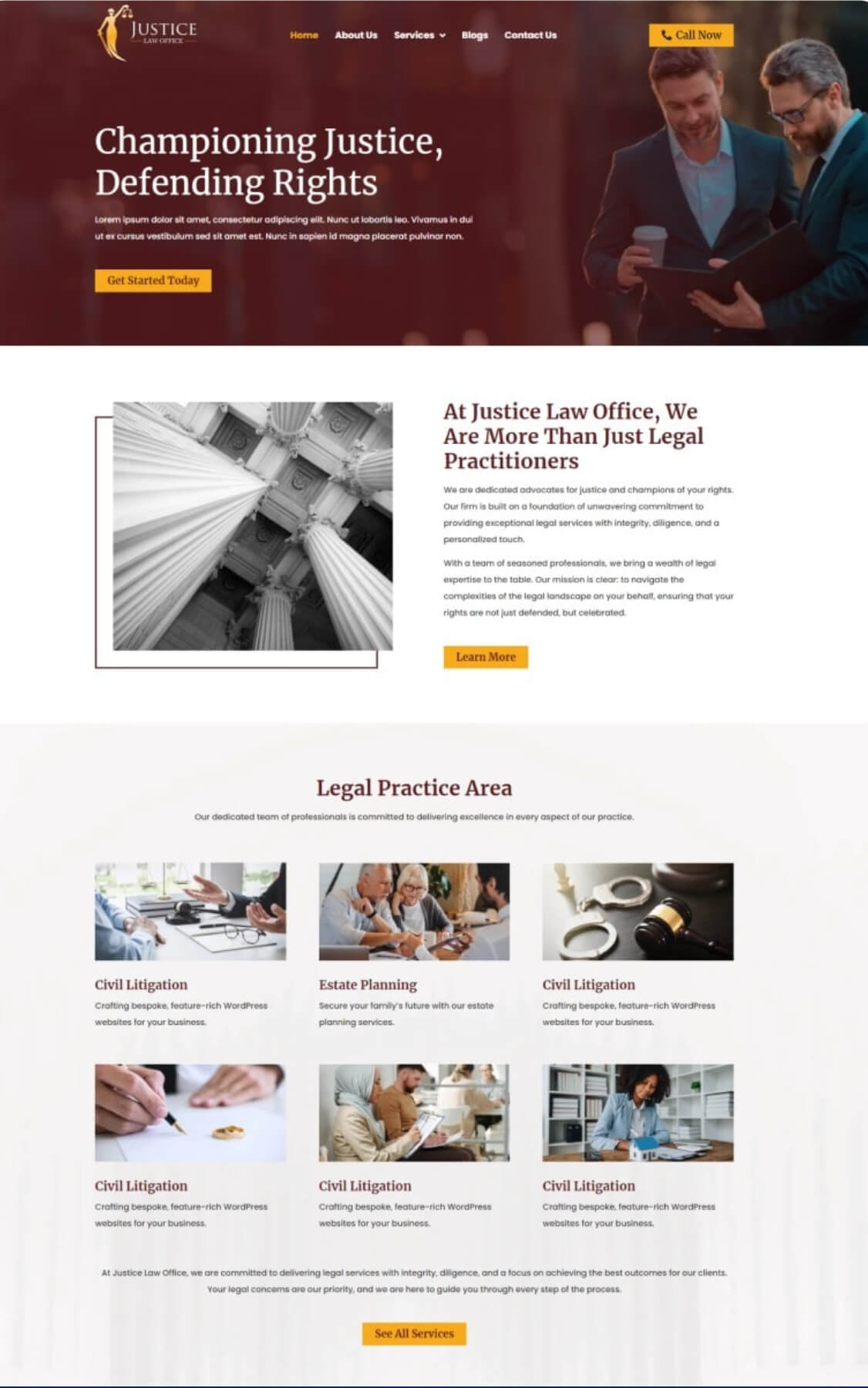
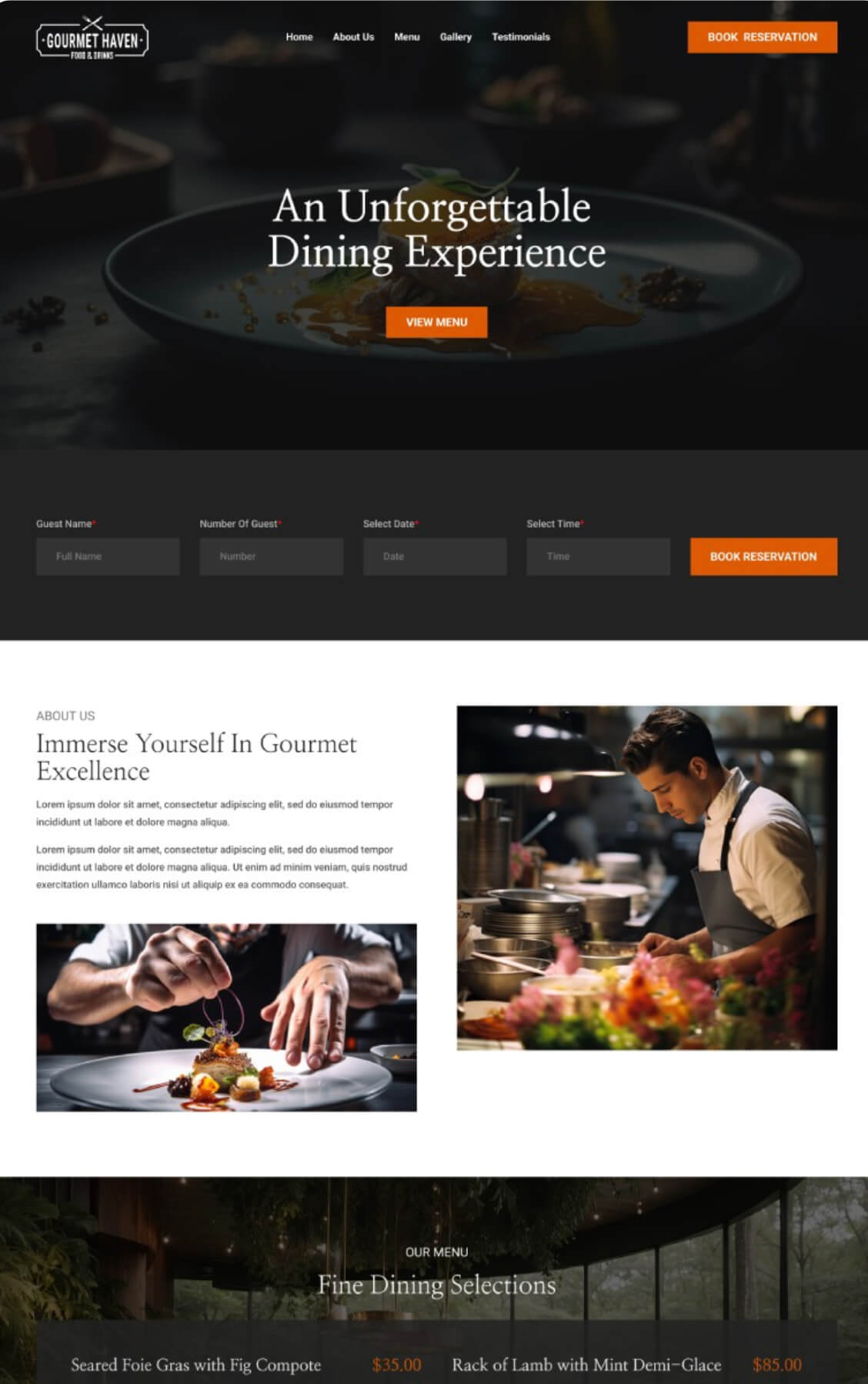
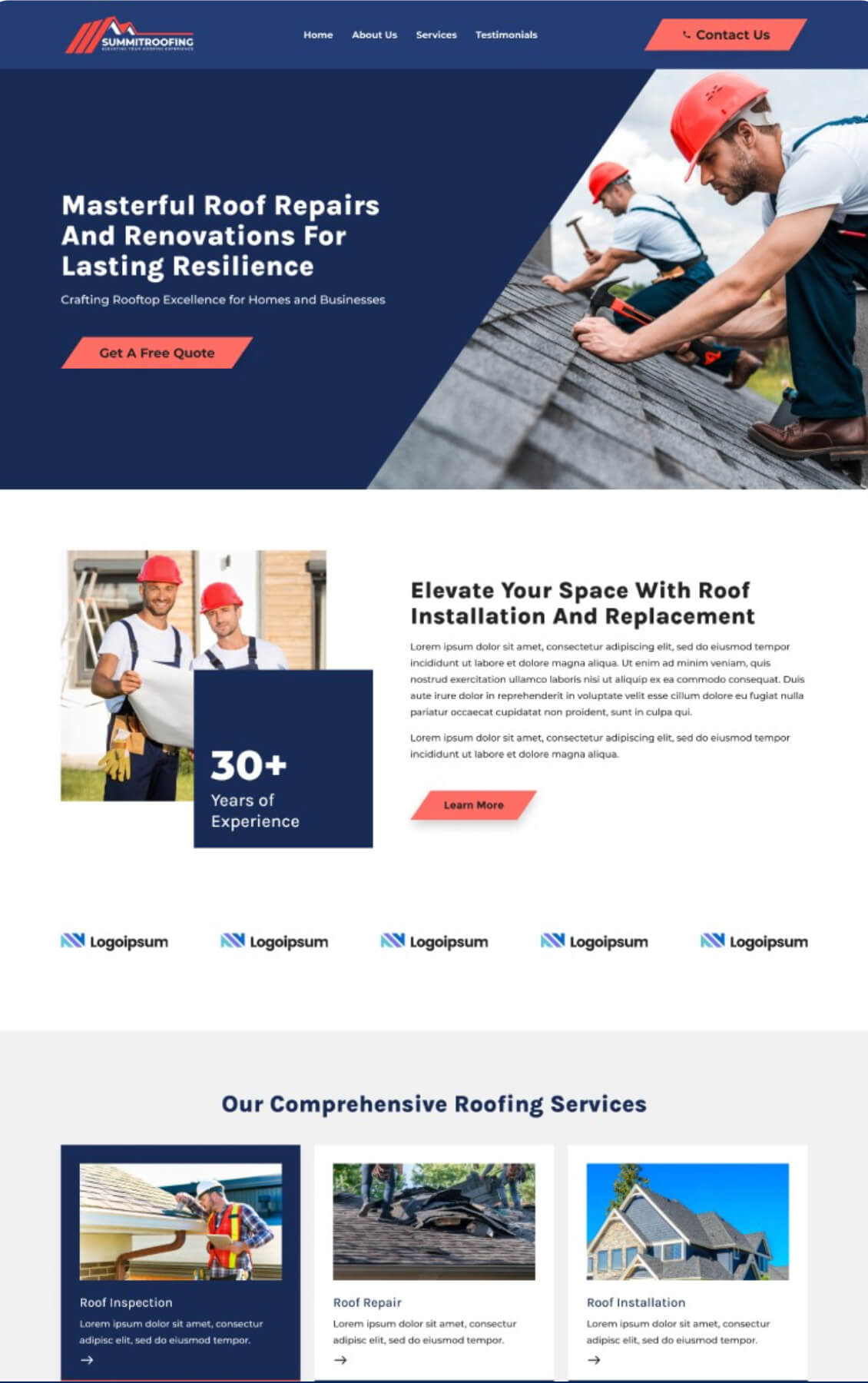
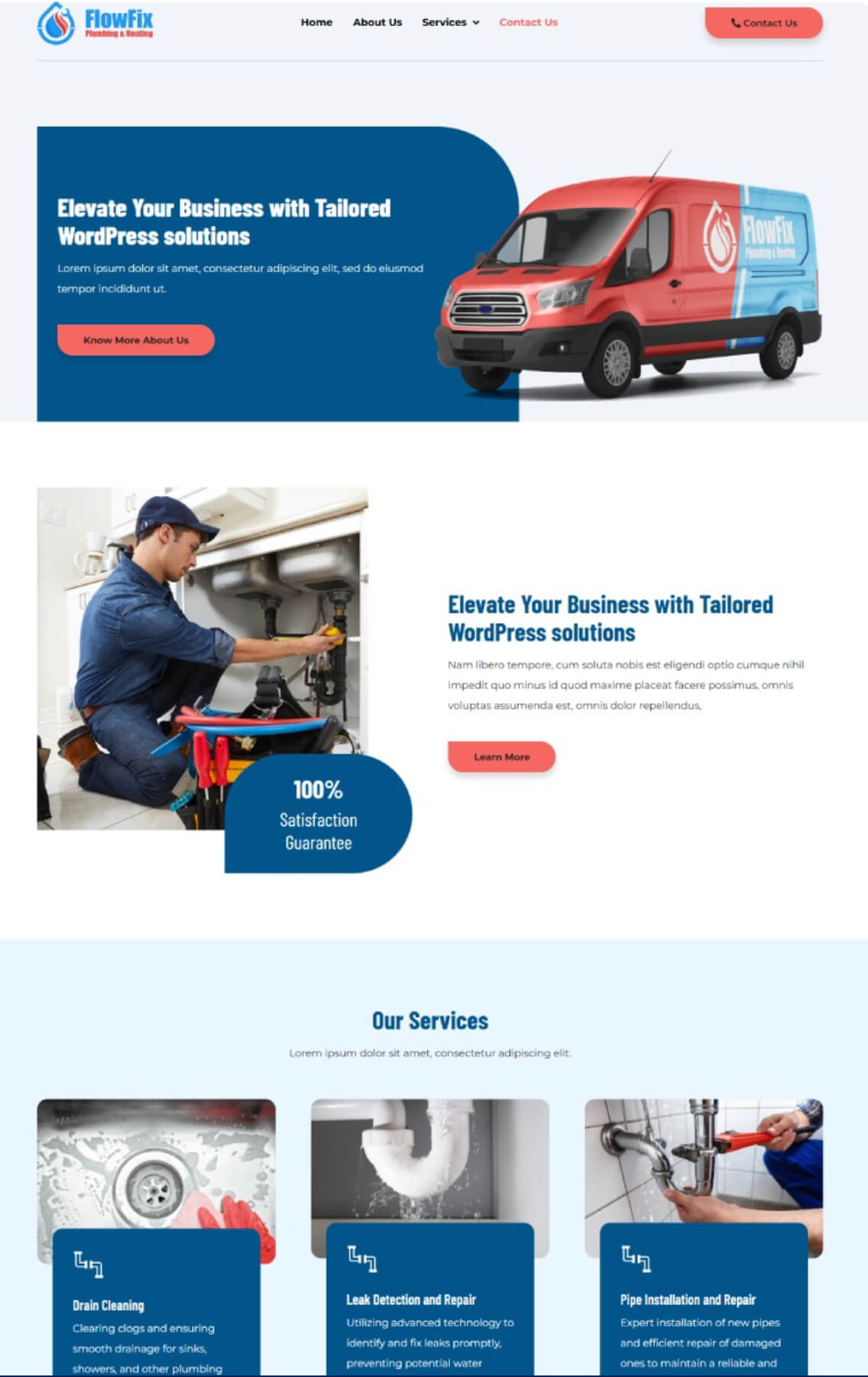
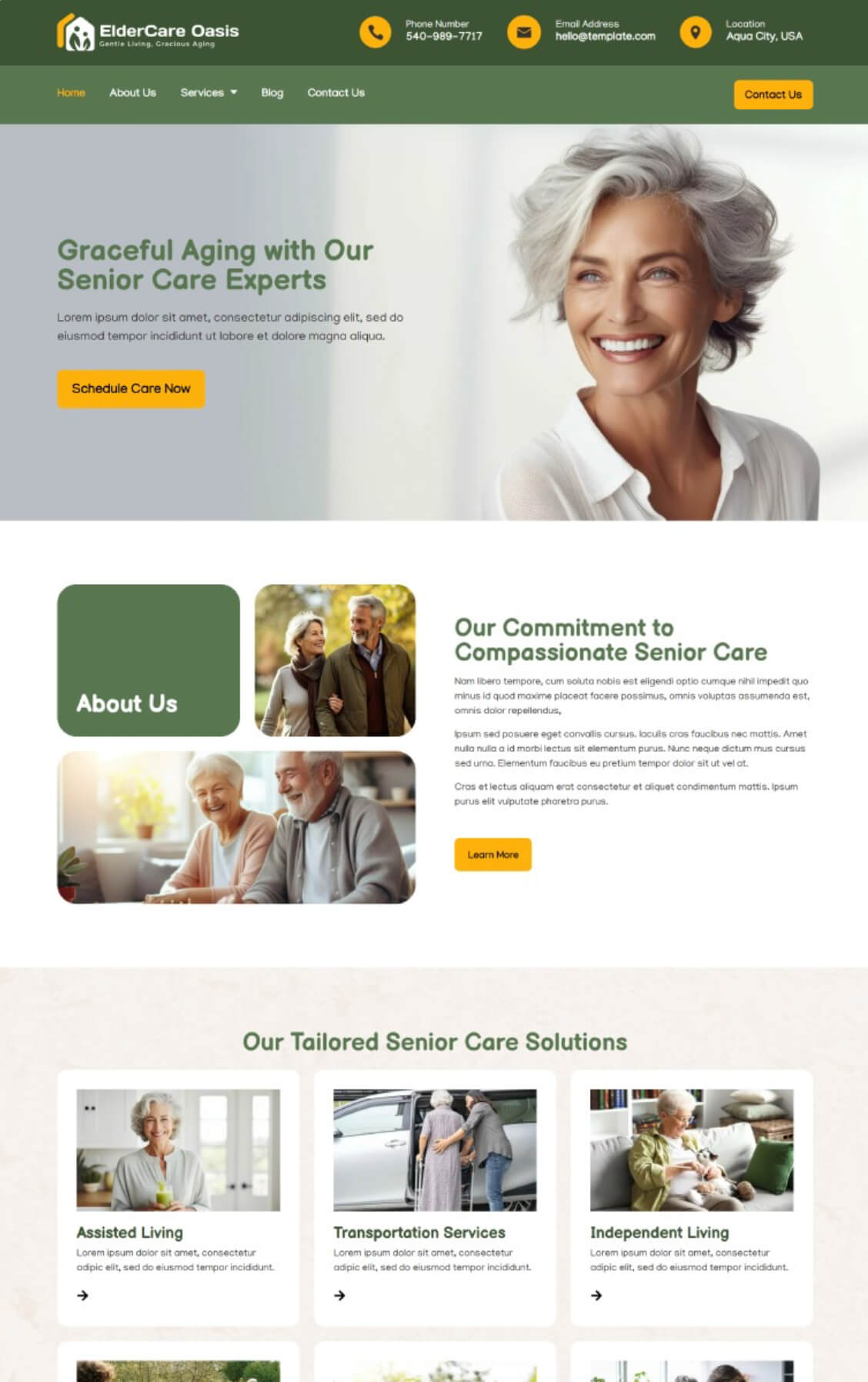
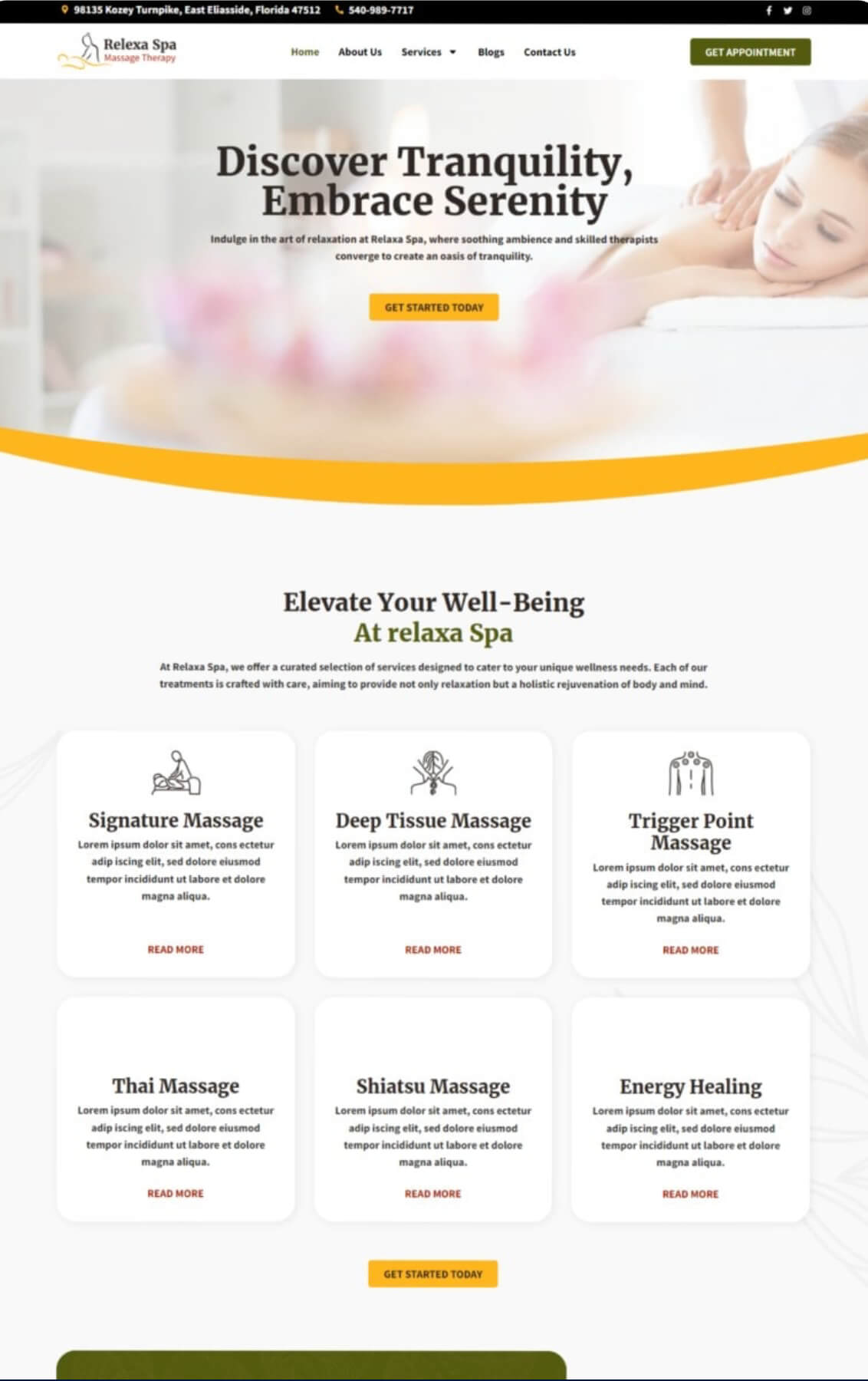


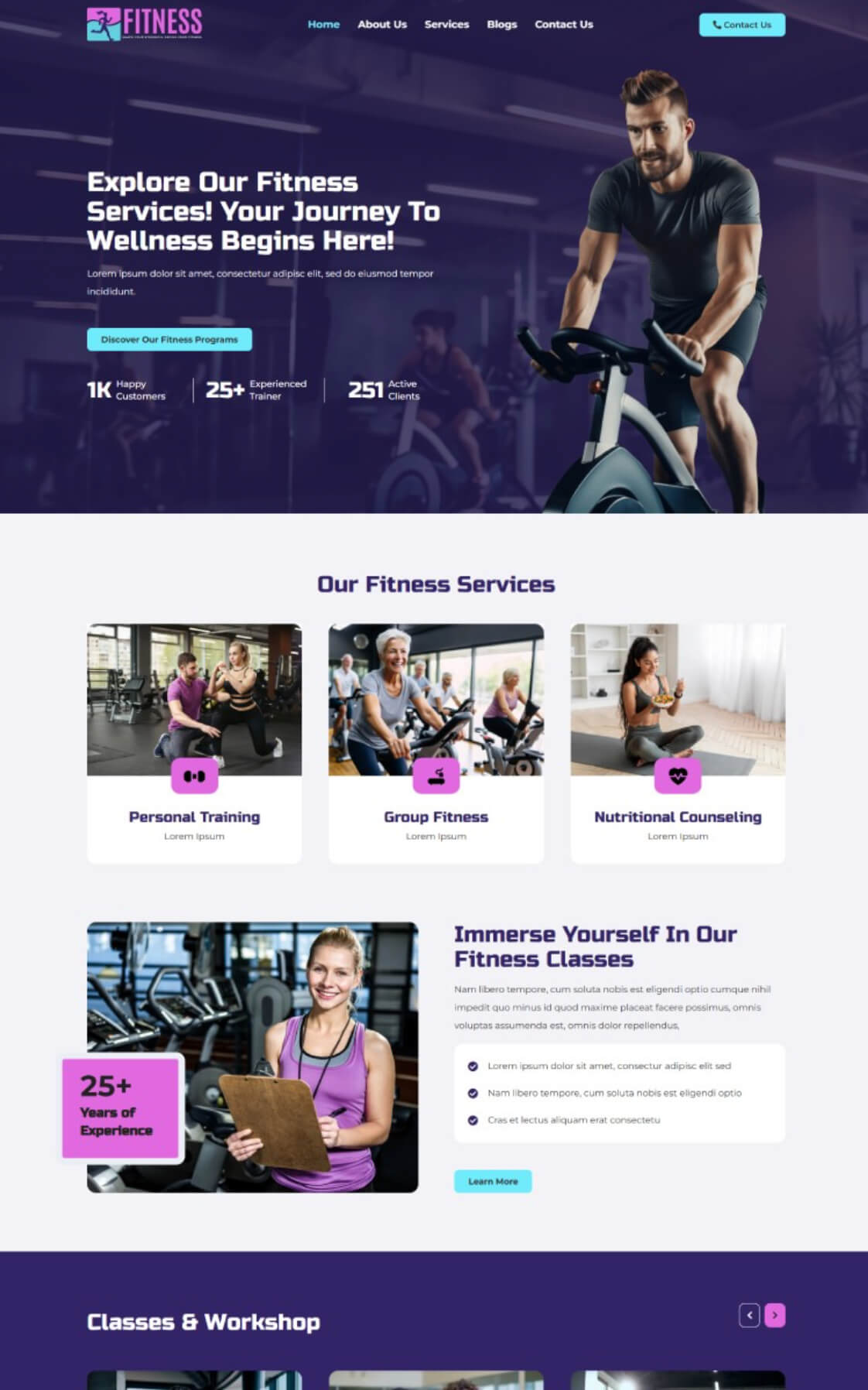

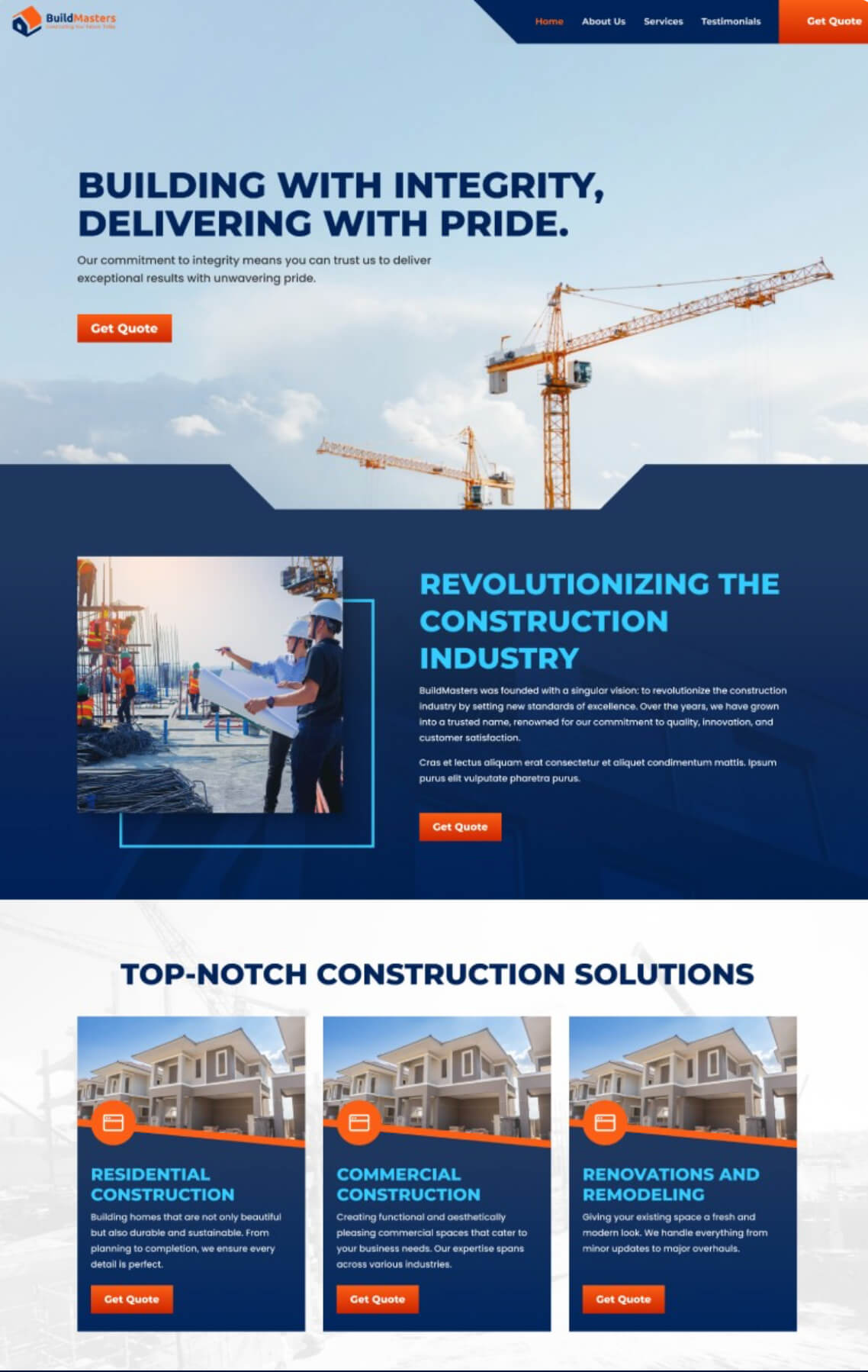
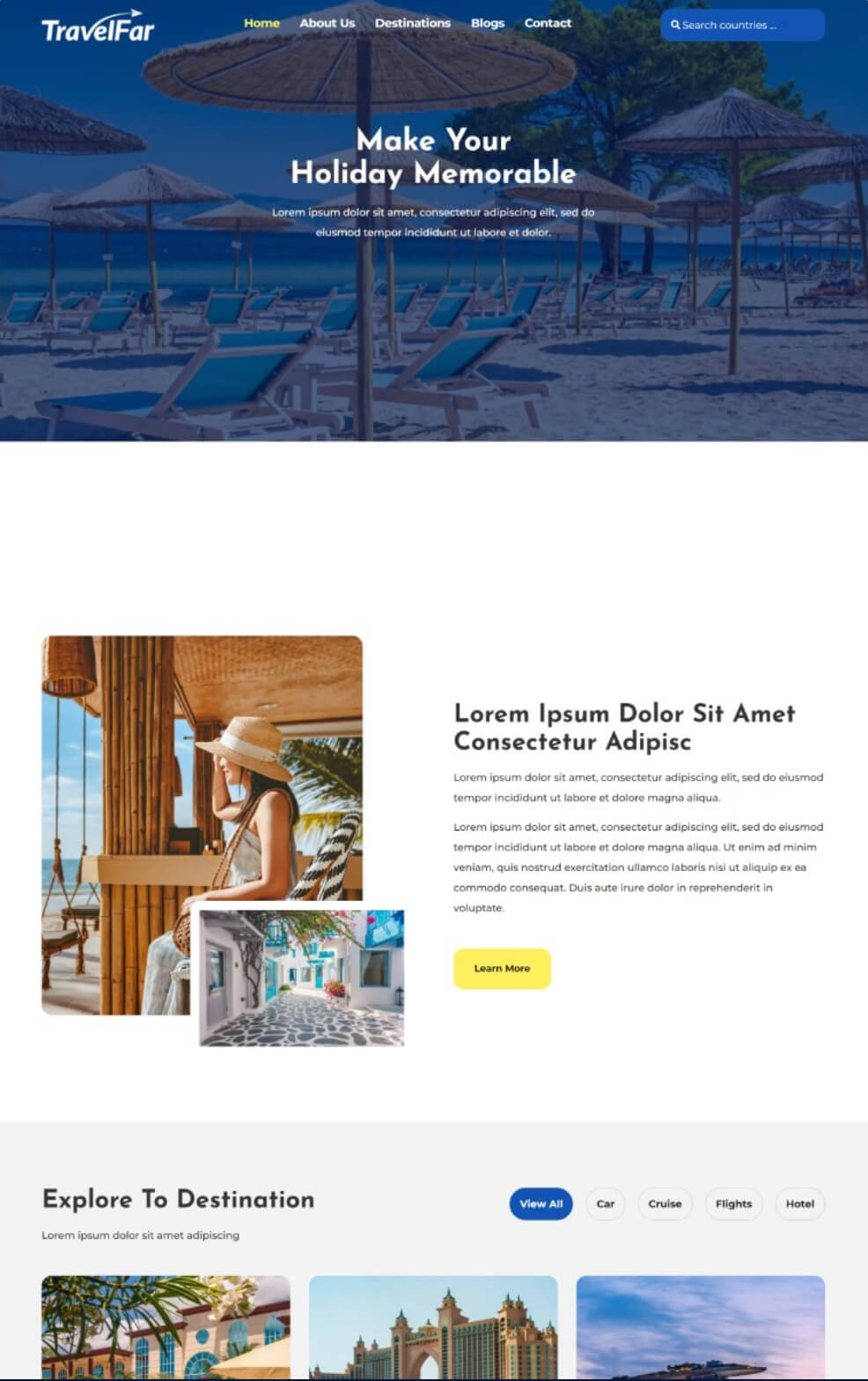
Don’t see your industry? These are a sample. Tell us what you do and we’ll show you the right starting point. Select any design to see it larger.
Integrations
Scoping asks two questions, not one.
What does the site need to do?
Pages, functionality, how people get in touch, whether anything is sold directly, and what has to be measurable afterward.
What already works that needs to keep working?
The tools running your business today. Most of them can stay — and finding out which ones matter before quoting is what stops a rebuild from breaking something you relied on.
- CRM & form tools
- GoHighLevel
- Scheduling & booking
- Chat
- Analytics
- Call tracking
- Payments
- Email platforms
- These are tools we commonly encounter, not a guaranteed compatibility list.
- Integration scope is confirmed during scoping, before anything is quoted.
- We don’t replace your existing stack by default. If a tool is working, it stays.
- Not every integration is automatically supported. Where something isn’t practical, we’ll say so before you commit rather than after.
What you can expect
Specifics, not reassurance.
Coast333 is founder-led and supported by specialist web development resources — design, WordPress development, front-end implementation, integrations, technical fixes, and performance work. Strategy and accountability sit with us; execution is handled by people who do this daily.
How scope gets set
Page count, functionality, the tools that need to keep working, and any reference sites you like. Scope is agreed before a number is quoted, not discovered halfway through.
What you supply
The written content, your brand assets, and access to the domain and hosting when it’s actually needed for the build. Copywriting is available as an add-on if writing it isn’t something you want to take on.
What isn’t included
Copywriting, extra pages beyond the agreed count, and functionality outside the scoped build are quoted separately. Stated up front so the price you’re given is the price that holds.
How revisions work
Launch includes two rounds. Growth includes three hours. You review a staging site before anything goes live, and larger changes after that get quoted rather than absorbed silently.
What launch-ready means
Forms tested and delivering, integrations confirmed working, the site checked on real devices, and migration handled. Live means working, not just published.
After launch
Growth builds include 30 days of post-launch fixes at no charge. Beyond that, the Care Plan is optional — and if you’d rather maintain it yourself, the site is yours to maintain.
How the build runs
Four steps from signed to live.
You’re involved at the start and at the review. Everything between those is on us.
Discovery & scope
One focused session covering your content, brand direction, page count, and the tools that need to keep working. Nothing technical is requested at this stage — domain and hosting access comes later, when the build actually needs it.
Design & build
Your site gets built and fitted to your brand, with the agreed integrations wired in rather than bolted on afterward. You see it before anyone else does.
Review & revisions
You walk the staging site and request changes within your included revision rounds. Forms and integrations get tested here, not after launch.
Launch & after
Tested, migrated, and live. Growth builds carry 30 days of post-launch fixes. Add a Care Plan and it stays updated, backed up and monitored — or take it from here yourself.
A good fit
- You have no website, or one that no longer reflects the business
- You want professional work without agency retainer pricing
- You need to be live soon, not next quarter
- You’d rather someone else handle updates and security
- You want to know which step is failing before deciding what to build
Probably not
- You need an enterprise platform with a dedicated dev team
- You already have an in-house developer
- You want custom software or application development
- You want to build and maintain everything yourself
Questions
Web development FAQs.
How long until my site is live?
Launch sites typically go live within ten business days once we have your content and assets. Growth projects vary with scope, and you’ll have a clear timeline before you commit to anything. Waiting on content is the most common reason a timeline slips, which is why we gather it at the start.
Do I need my own domain and hosting?
We recommend you own both outright so the site is fully yours. If you don’t have them yet, we’ll walk you through it. From there you just provide access when the build needs it, and we handle the connection.
Who writes the content for the site?
You provide the written content, and we handle placing and formatting it. If writing it isn’t something you want to take on, we offer copywriting as an add-on and can quote it with your build. Existing content from your current site can usually be reused as a starting point.
What’s the difference between Launch and Growth?
Launch builds on a professional design foundation and fits it to your brand, which covers most small businesses well. Growth is a fully custom design, and it’s what you need for an online store or a platform outside WordPress. If you’re not sure, we’ll sort it out on the call.
Do you build and improve online stores?
Yes, primarily on Shopify and WooCommerce, as part of a Growth build or as focused improvements to a store you already have. For an online store the six checkpoints above still apply, but the costly failures tend to sit in product pages that don’t say clearly what the product is, shipping costs that only appear at checkout, confusing navigation, and a checkout path with more friction than it needs.
In a real e-commerce analysis we published, the storefront review found menu links routing to the wrong page and a free-shipping message that contradicted the actual threshold — problems no advertising report would have shown. How the storefront fits alongside paid media and SEO is covered on our e-commerce marketing page.
Can you improve my existing site instead of replacing it?
Often, yes — and sometimes that’s the better answer. It depends on whether the problems are localised or built into the platform, and whether what you need can be added without creating more problems than it solves. We’ll look at where the site is actually losing people first, then tell you honestly which route makes more sense.
What does the Care Plan actually cover?
WordPress updates, backups, security and malware monitoring, a monthly report, and an hour of changes each month. It’s optional and added on top of a build rather than included by default. Malware monitoring runs on every plan. Full malware removal is included at no charge when your site is hosted through our recommended hosting partner; sites hosted elsewhere are billed hourly for removal work.
Can I make changes after launch?
Every build includes revision rounds before launch. After that, Care Plan clients get an hour of changes each month. Anything larger, just ask and we’ll quote it. You can also make changes yourself — the site is yours.
Next step
Tell us what your business does.
A short conversation is enough to work out which step your current site is failing at, whether a rebuild is actually warranted, and what it would cost. If improving what you have is the better answer, we’ll say so. Explore the rest of what we do across services, industries, or the case studies.